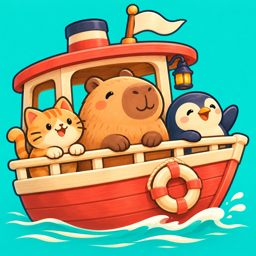
There’s room for one more.
One finger. One tiny ferry. One big decision.
Load your tiny ferry, keep your balance and decide: sail safely now or take one more animal.
One More! Tiny Ferry is not publicly available on the App Store yet. These pages support the preparation of version 1.0.
How do I play?
Touch the water, slide left or right and release to place the next animal. The preview shows its position and warns about high load. After three animals you can depart. More delivered passengers earn more points; excessive load, tall stacks or a severe tilt end the attempt.
What is free?
The first 20 solo voyages, repeatable record mode, daily voyage and friend challenges. All six animals and three boats are available through free play. Extra Voyages is a one-time in-app purchase adding 40 solo voyages, not a subscription.
How do I restore Extra Voyages?
Open Settings and choose Restore purchases. Use the same Apple Account as for the original purchase. The app verifies Apple’s purchase entitlement. If a purchase is pending, wait for Apple’s approval; you do not need to buy again.
When does the daily voyage change?
At 00:00 UTC. The app displays the next change in your local time. Offline it uses the device clock, which is not trusted server time.
How do friend challenges work?
Copy a code from a daily or friend voyage and deliberately share it. The recipient opens Friends and imports the code to receive the same animal sequence, boat and waves. A code never unlocks a paid solo voyage. No contacts or separate account are required.
Do I need Game Center or internet?
Solo play works offline. Game Center is optional and connects only when you request it. Local results remain available without a connection. Purchases, restoration and online leaderboards need Apple’s services.
How do I share a result?
After a round, choose a result card or a short gameplay clip, then choose a recipient in the iOS share sheet. Clips use recorded images of the actual round. The camera and microphone are not used.
I need help.
Include the app version, iOS version and task identifier, and explain what happened. Do not send passwords, payment details or unnecessary personal information.